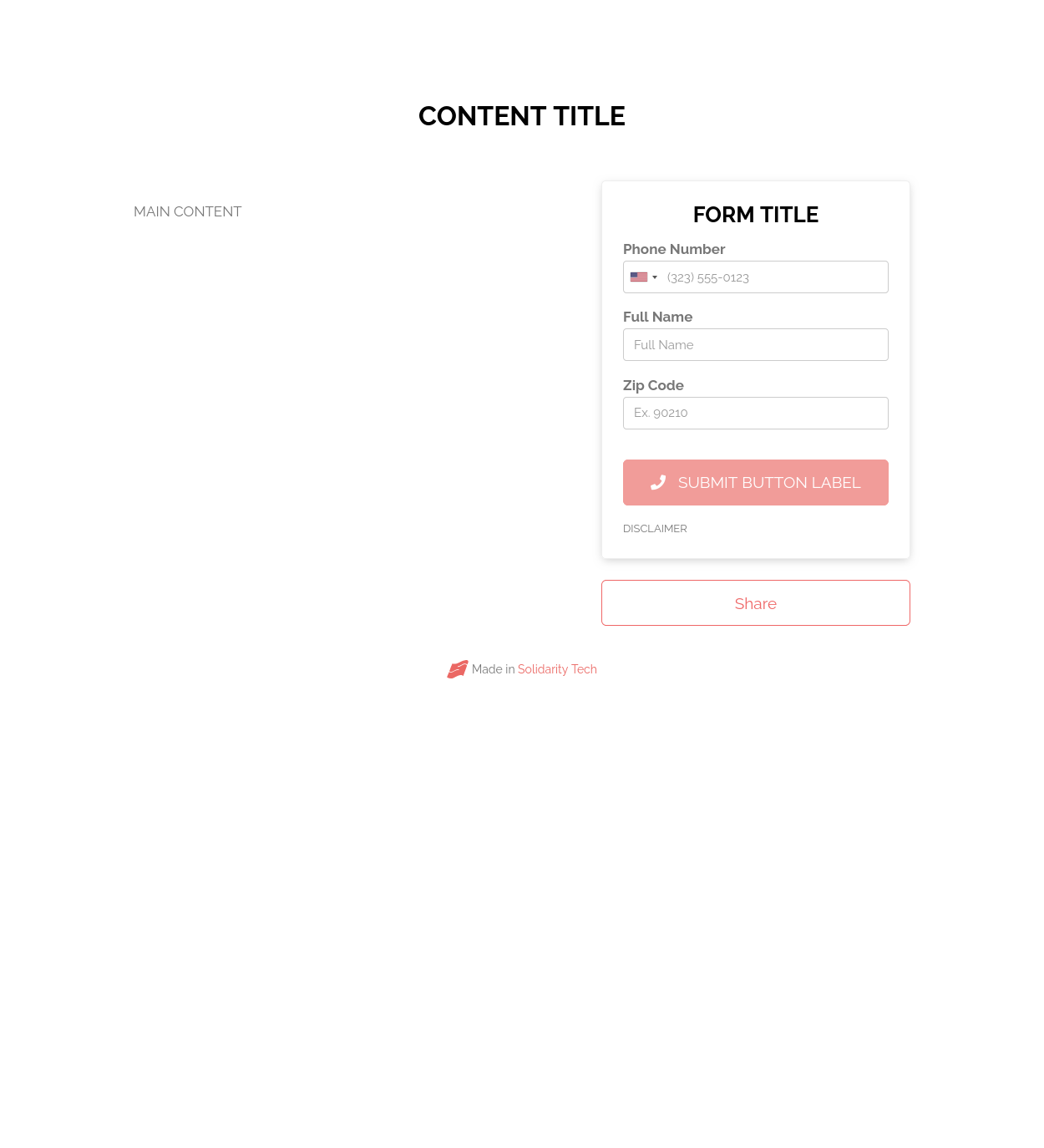
The above is where the content will go in the final version. Whenever we do a future call action, we can use the below as a template to get started on the copy.
Page Content
- Content Title:
- Content Image:
- Main Content:
Sharing
- Share Overlay Title (The title shown on the page’s “share” modal overlay.):
- Share Overlay Subtitle (The subtitle shown on the page’s “share” modal overlay.):
- Social Media and Search Excerpt (Search engine, Facebook and Twitter will show this description underneath the page title.):
- Suggested Tweet (This is the default tweet that will be suggested when a user goes to share this page via Twitter.):
Form Settings
Form Title (Optional title at the top of your sidebar form):
- Disclaimer (Optional disclaimer text to be shown in smaller type below the submit button.):
- Submit Button Label (Text used as the label for your submit button):
New Contact Message
Send new callers a sign-up invitation
If enabled, contacts who complete a call but aren’t yet in your person database will be invited to join afterwards via text. Encourage them to respond with JOIN or another Text Keyword.